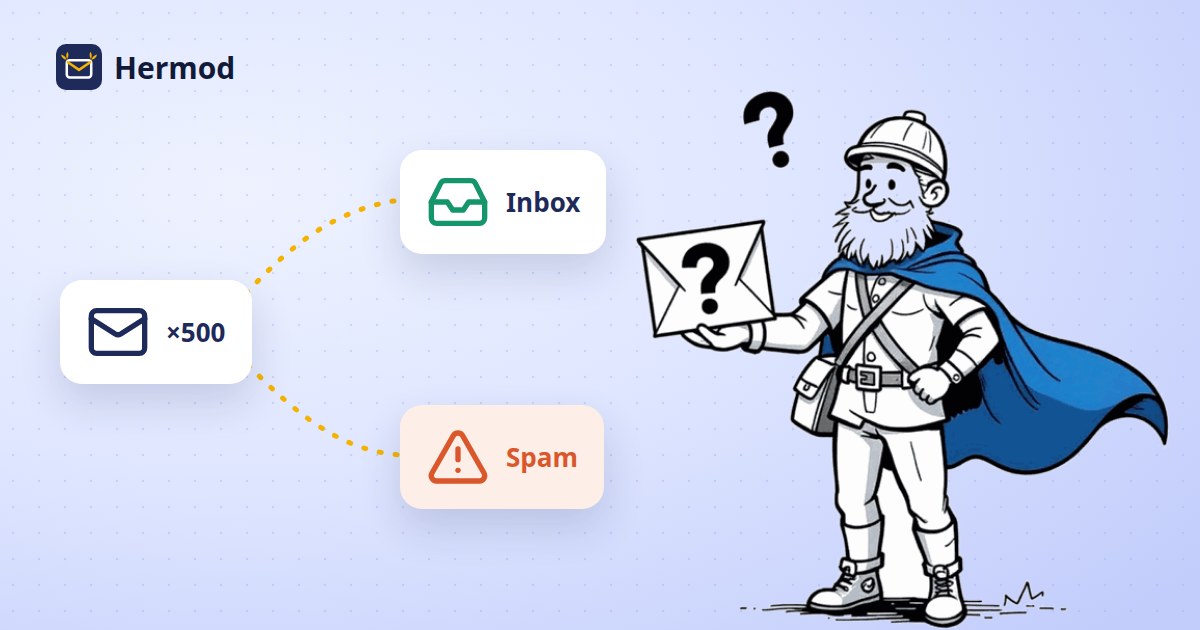
Why do my emails go to spam? 12 causes and how to fix them
You prepared the campaign carefully, proofread it, hit send… and a good share of the emails ended up in the spam folder. The first instinct is to blame a word in the subject line. Most of the time, though, the problem is not the copy: it is the sender's reputation.
Gmail, Outlook and Yahoo decide where each message goes by looking at three things: whether the domain proves the email is yours, whether the recipients exist, and whether they want to hear from you. Below are the 12 most common reasons emails land in spam, grouped into those three areas, and what to do about each one.
Authentication: does the provider know the email is really yours?
1. No SPF, DKIM or DMARC on your domain
These three DNS records work as your domain's ID card. Without them, anyone could send in your name, so providers treat your messages with suspicion. Since 2024, Gmail and Yahoo require authentication from bulk senders, and Microsoft followed in 2025. We explain all three, without jargon, in SPF, DKIM and DMARC made simple.
2. A sender that doesn't match the domain
Sending "on behalf of" hello@yourcompany.com through a server that signs with a different domain breaks the alignment DMARC checks. To the provider, it looks like spoofing. The email must be signed by the same domain shown in the From field.
3. A free mailbox as the campaign sender
Sending campaigns from a Gmail or Hotmail address is asking to be blocked: those domains publish policies that reject messages sent in their name by other servers. Campaigns should always come from a company domain.
Your list: do the recipients exist, and do they expect you?
4. Lots of addresses that don't exist
Every email that bounces as "unknown user" signals an old or questionable list. Once bounces go beyond a few percent, providers start routing the rest of the campaign to spam. Clean the list before you send, not after.
5. Bought or scraped lists
Purchased lists are full of abandoned addresses, typos and spam traps: mailboxes created only to catch people who send without permission. A single send to one of these lists can hurt your domain's reputation for months, and it goes against data protection laws such as Brazil's LGPD and Europe's GDPR.
6. Contacts who haven't engaged in a long time
Someone who hasn't opened anything in a year has probably changed address or lost interest. Providers notice your emails being ignored and start filtering them for people who still want them. Set inactive contacts aside and try to win them back with a separate, smaller campaign.
7. Spam complaints
The "report spam" button weighs more than any other signal. Google recommends keeping complaints below 0.1% and treats 0.3% as the limit. Only email people who asked for it or have a relationship with your company, and make it clear who is writing and why.
8. Hard-to-find unsubscribe
If leaving your list is a hassle, people take the shortcut: they mark you as spam. Gmail and Yahoo require bulk senders to offer one-click unsubscribe, shown at the top of the message, in addition to the footer link, and to honor it within two days.
Sending: do your pace and content look like spam?
9. High volume all at once from a new domain
A domain that has never sent anything suddenly firing off 20,000 emails looks like an attack. Reputation is built gradually: start with a few sends a day, to your most engaged contacts first, and ramp up as deliveries go well.
10. Disappearing for months and coming back big
An irregular schedule confuses filters and recipients, who no longer remember you. A steady cadence, even a monthly one, works better than large, sporadic blasts.
11. An email that is just one image
A big graphic with no real text is a format spammers love, and many apps don't display images by default. Write your content as text and use images to support it.
12. Overhyped subject lines and suspicious links
All caps, "FREE!!!", unrealistic promises and links from public URL shorteners raise suspicion. An honest subject line that tells people what they'll find tends to get more opens and fewer complaints.
How to find out which one is your problem
- Check your domain's DNS: make sure SPF, DKIM and DMARC are published and correct.
- Read your DMARC reports: they show, every day, whether providers accept the emails sent in your name.
- Track bounces and complaints for every campaign, not just opens.
- Test with a few engaged contacts before sending to the whole list.
How Hermod helps
Hermod is built so the technical side doesn't depend on you. It signs every email with your domain (DKIM), requires DMARC and tracks provider reports on the Domain health screen. Before every send, it removes addresses that don't exist, have typos, are disposable or have bounced before (List health). It sends at the pace each provider accepts, adds one-click unsubscribe to every message and pauses on its own if bounces or complaints go over the limit, before the damage reaches your domain's reputation. The full rules are in Sending rules and good delivery.