
Use your own sending server
When it makes sense to add your SMTP, Amazon SES or Oracle, and how to link senders to it.
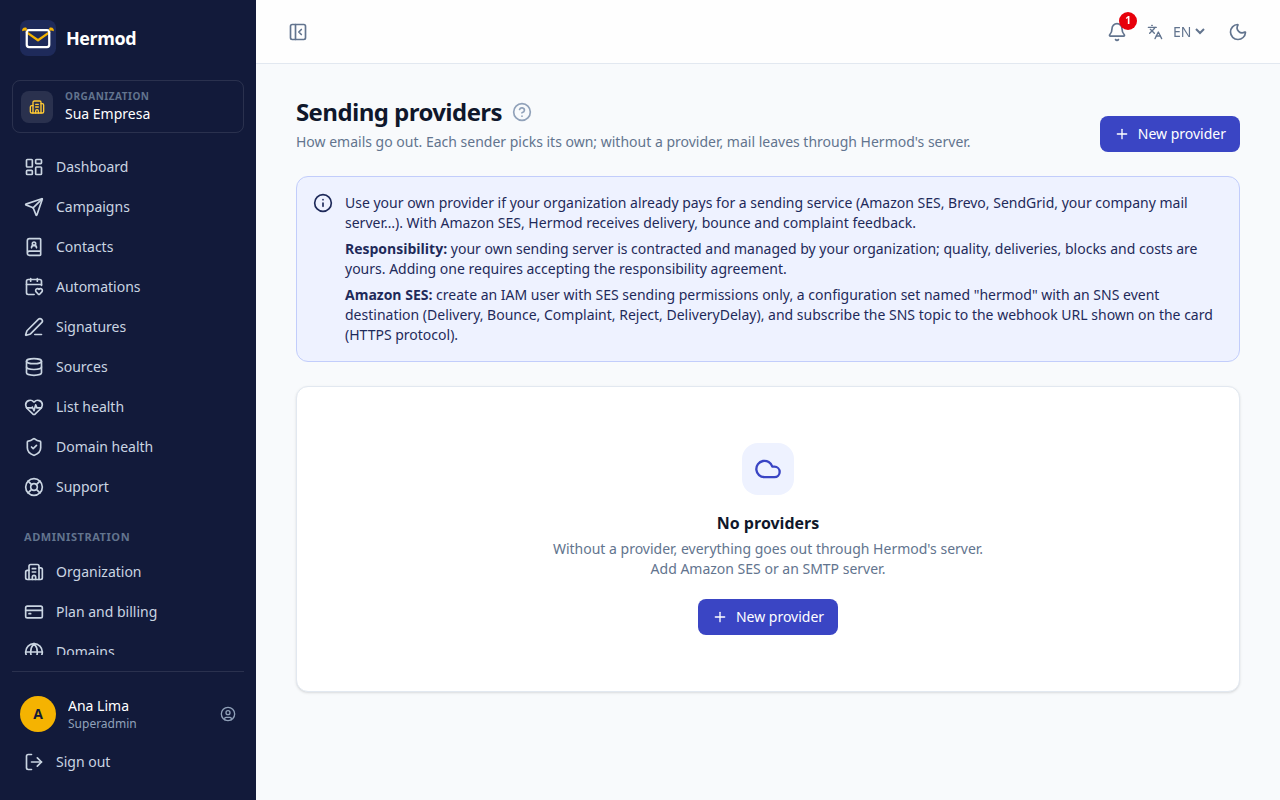
Without setting anything up, campaigns go out through Hermod's sending, which is ready, warmed up and monitored. Only add your own provider if your company already has a sending server and wants to use it.
Supported providers
- Your own SMTP (your company's mail server or a sending service).
- Amazon SES.
- Oracle Email Delivery.
How to add one
- Open Sending providers (Administration area; only the superadmin sees it).
- Click New provider, choose the type and fill in the access details.
- Accept the responsibility terms and click Save and test: Hermod checks the connection right away.
- In Senders, choose which senders use this provider (the Send via field).
What changes
- Delivery now depends on your server's setup and reputation.
- If the provider fails several times in a row, Hermod pauses it, holds its campaigns and emails the superadmin. Fix the server and reactivate it on the screen.
- Hermod's sending rules (list cleaning, unsubscribe, reputation pause) still apply.