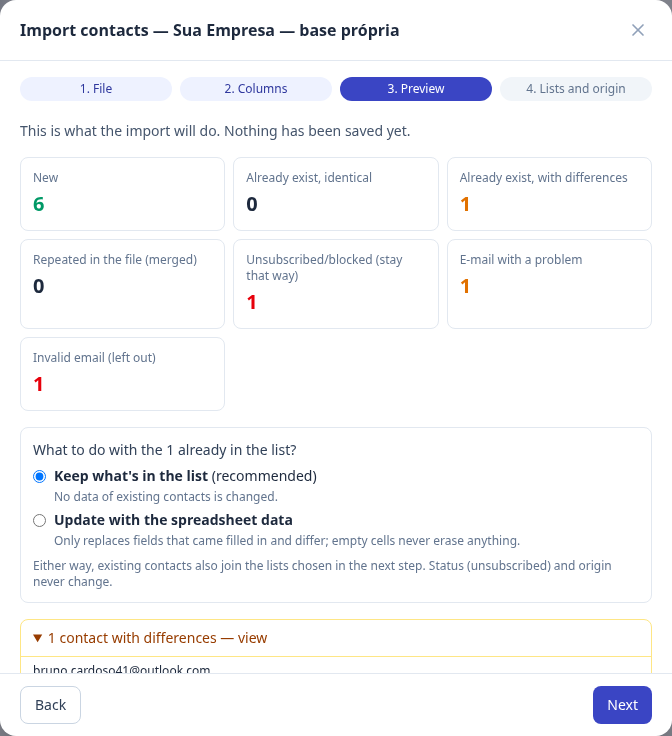
Preview before saving
Hermod analyzes the file without saving anything and shows what will happen to each group of contacts.
Integration · Spreadsheet
Import CSV or Excel into Hermod's own database: it recognizes the columns, shows a preview before saving anything and sets aside duplicates, problem addresses and people who already opted out.
How it works
One row per contact and an email column. Name, company, city and birthday are optional.
Drop the file and confirm which field each column is. "Full name" becomes first and last name.
New, existing, duplicated, problem and blocked contacts, before saving.
Pick lists or saved filters and send at the pace each provider accepts.
What changes
Hermod analyzes the file without saving anything and shows what will happen to each group of contacts.
Keep what is already in the database or update only the fields that differ. An empty cell never erases anything.
Importing never reactivates anyone who unsubscribed, reported spam or has a non-existent address.
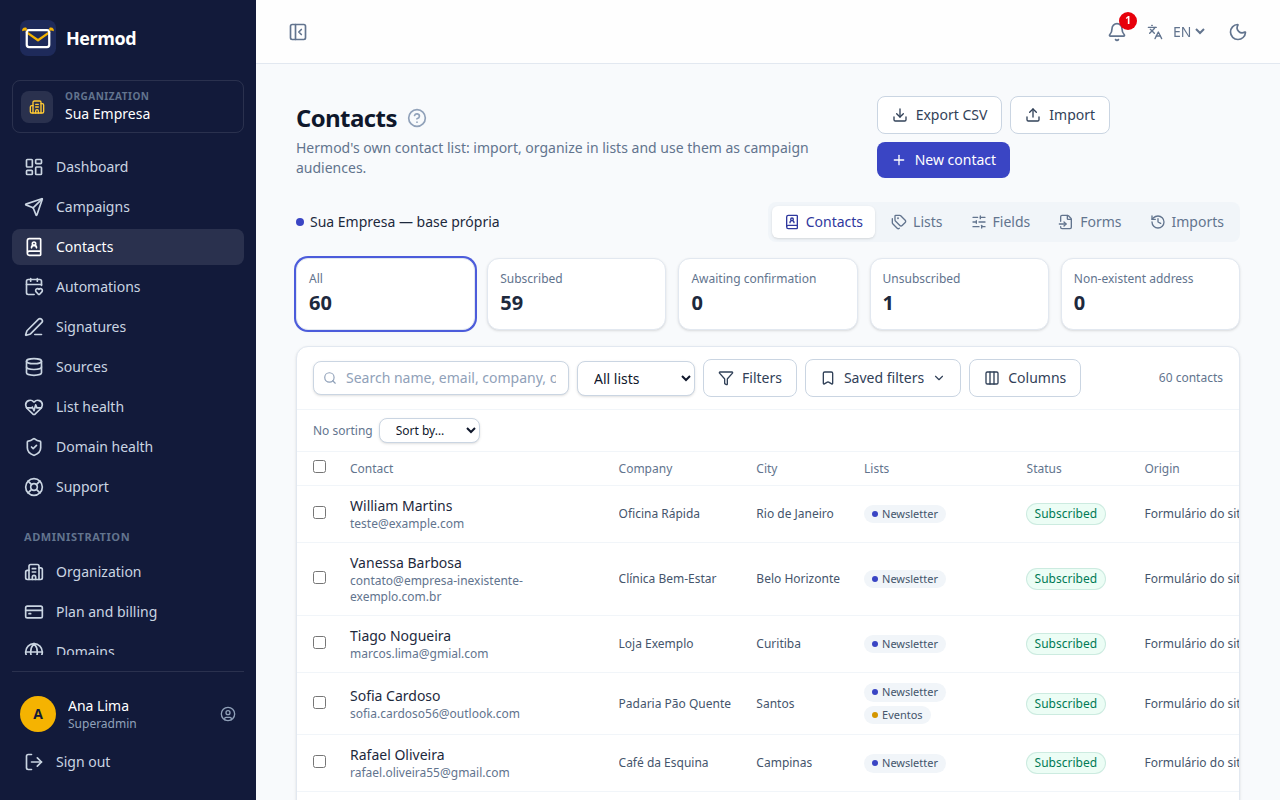
A contact in several lists, AND/OR filters, saved filters, custom fields and CSV export.
Paste the signup form on your site: people confirm by email and the date and IP are stored as proof.
With a birthday column, the birthday workflow sends the right email on the right day.
On screen
Frequently asked questions
CSV, comma or semicolon separated, and Excel .xlsx. Keep column names in the first row so Hermod recognizes each one by itself.
In the preview you choose: keep what is already in the database (recommended) or update it with the spreadsheet data, changing only filled-in fields that differ.
No. Only import people who agreed to get your emails or do business with you. Purchased lists cause spam complaints, hurt delivery and can pause sending. The origin is stored on each contact, as Brazil's LGPD requires.
No. Every plan has unlimited contacts: you pay for what you send.
You pay for what you send, not for contacts: from R$ 19 a month for 1,000 emails, with unlimited contacts and every feature on every plan. Start with a 14-day free trial, up to 200 emails, no card.
Other integrations

Create a free account, connect your source and send your first campaign today. 14 days, up to 200 emails, no card.