Subscribers stay on your site
Your newsletter form keeps working. Hermod reads the SendPress lists for every campaign, with nothing to migrate.
Integration · WordPress
With the Hermod Connector plugin, Hermod reads your site's newsletter lists and subscribers (SendPress), puts your latest posts in the email and sends back to WordPress who unsubscribed and which addresses don't exist.
How it works
Upload Hermod Connector under Plugins → Add New and activate it.
Under Settings → Hermod you'll find the key created on activation.
In Hermod, under Sources → New source → WordPress, enter your site address and the key.
The Articles block brings in your latest posts; pick the list and send at the right pace.
What changes
Your newsletter form keeps working. Hermod reads the SendPress lists for every campaign, with nothing to migrate.
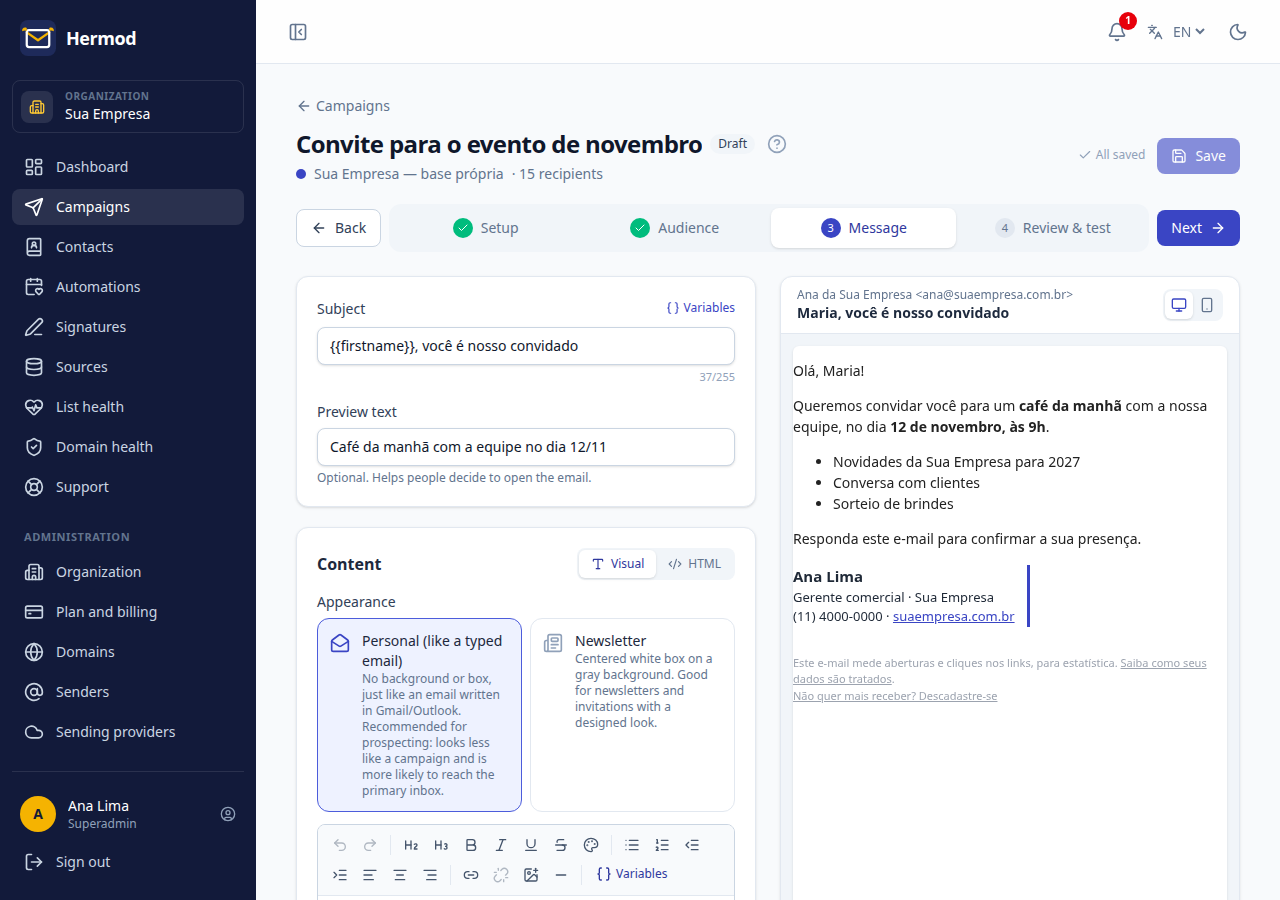
In the editor, the Articles block fetches what you published on WordPress, with image, title and a link to the site.
Whoever opts out from the email is unsubscribed from the site newsletter too, and bounced addresses are flagged there.
Domains that no longer exist, typos, disposable addresses and earlier bounces are left out, with the reason.
WordPress sends nothing: the newsletter goes out through Hermod, signed with your domain, at the pace Gmail and Outlook accept.
The plugin API only answers to the key created on activation, and only for what Hermod needs.
On screen
Frequently asked questions
SendPress, if you already use it: Hermod Connector reads its lists and subscribers. If you use another plugin, import your subscribers from a spreadsheet into Hermod's own database or use Hermod's signup form on your site.
Ask support for the file from inside the app. It installs like any plugin: Plugins → Add New → Upload Plugin.
We recommend turning off SendPress sending so nobody gets the same newsletter twice. Your lists and signup form keep working.
WordPress with PHP 7.4 or newer, SendPress installed and the site on HTTPS.
You pay for what you send, not for contacts: from R$ 19 a month for 1,000 emails, with unlimited contacts and every feature on every plan. Start with a 14-day free trial, up to 200 emails, no card.
Other integrations

Create a free account, connect your source and send your first campaign today. 14 days, up to 200 emails, no card.