
Automations: birthday campaign
How Hermod prepares the birthday campaign on its own and why nothing goes out without approval.
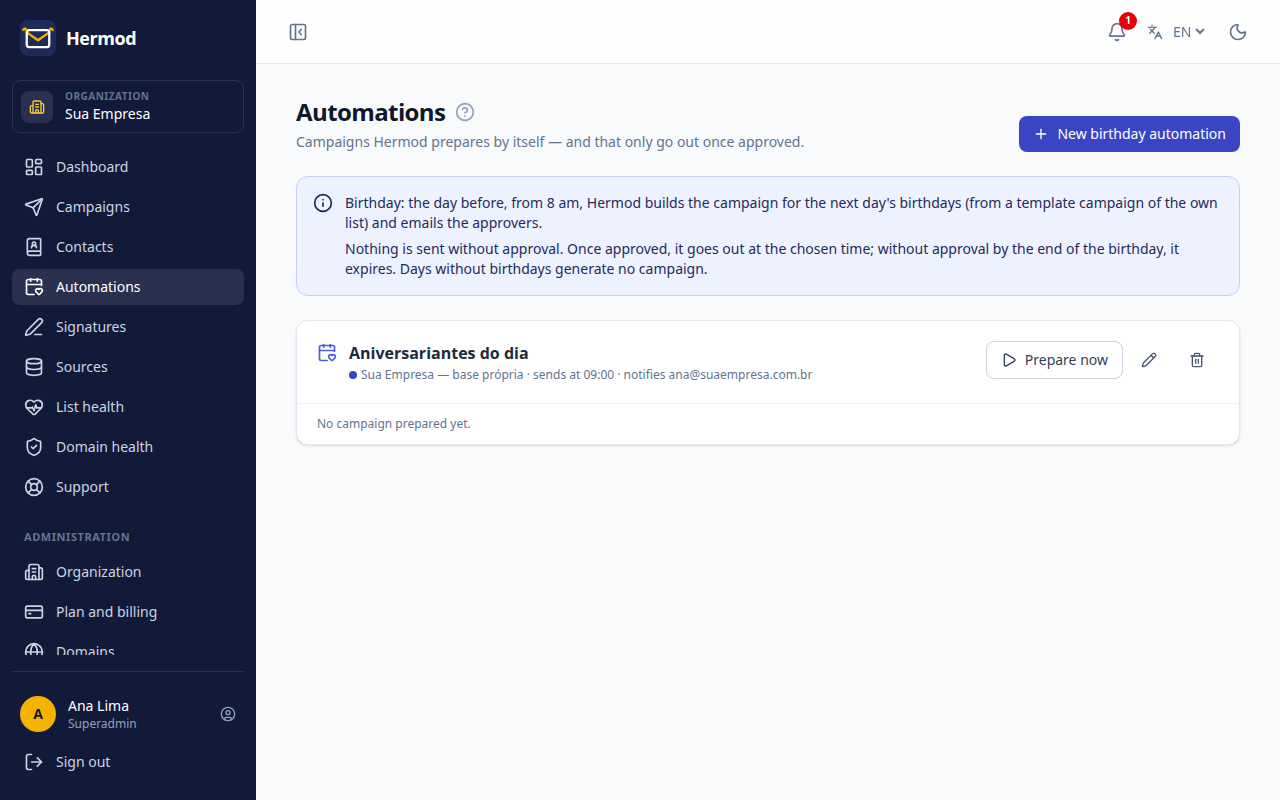
Automations are campaigns Hermod prepares on its own. The first one available is the birthday campaign. Nothing goes out without approval from someone on your team.
How it works
- The day before, from 8 am, Hermod builds the campaign with the next day's birthdays.
- It emails the people you chose, with a link to approve.
- Once approved, the campaign goes out at the set time. Without approval by the end of the birthday, it expires.
- A day without birthdays doesn't create a campaign.
Set up
- Create a campaign in your own list with the birthday message and tick Template campaign in the Setup step. The message, sender, signature and lists come from this template.
- Open Automations and click New birthday automation.
- Choose the template campaign, the sending time and who receives the approval request.